


Get the Right Card Reader Hardware: A Checklist
Confused about buying card readers for your doors? Learn the minimum required hardware and use our checklist to make sure you cover your bases.
The 5 Core Components of Any Card Reader System
When you’re looking for card readers, you’re not just looking for a device mounted on a lock. You’re looking at a small network of hardware and software that works together to provide superior control and safety over traditional mechanical locks.
The five core components are:
- The Reader – The scanner that reads the credentials at the door
- The Controller – The device that processes the credentials and operates the lock
- The Hardware – The actual lock components that create a physical barrier
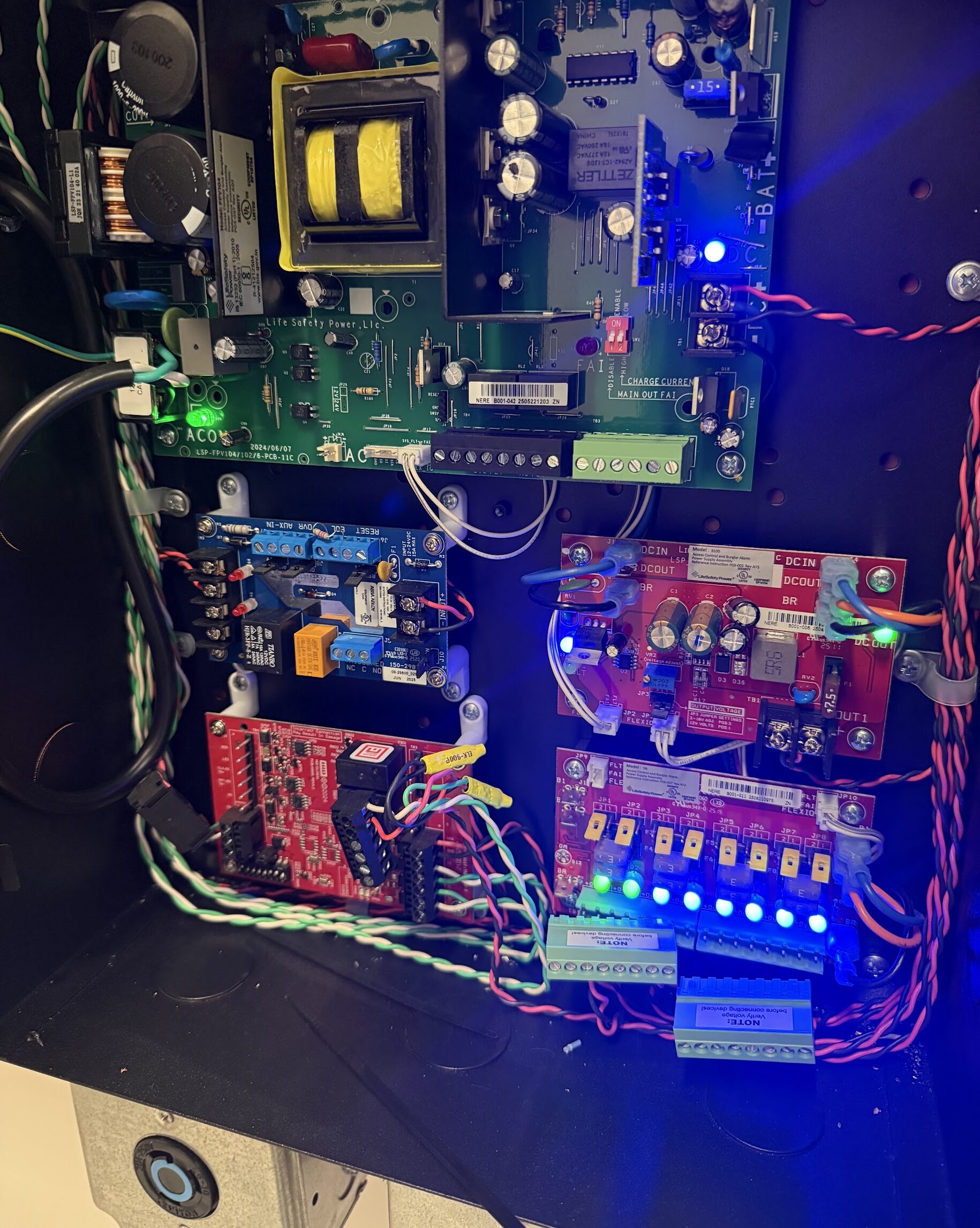
- The Power Supply – Where the reader gets its power
- The Credentials – The card, fob, mobile device, etc. the user needs to operate the lock
1. The Reader: What People Interact With
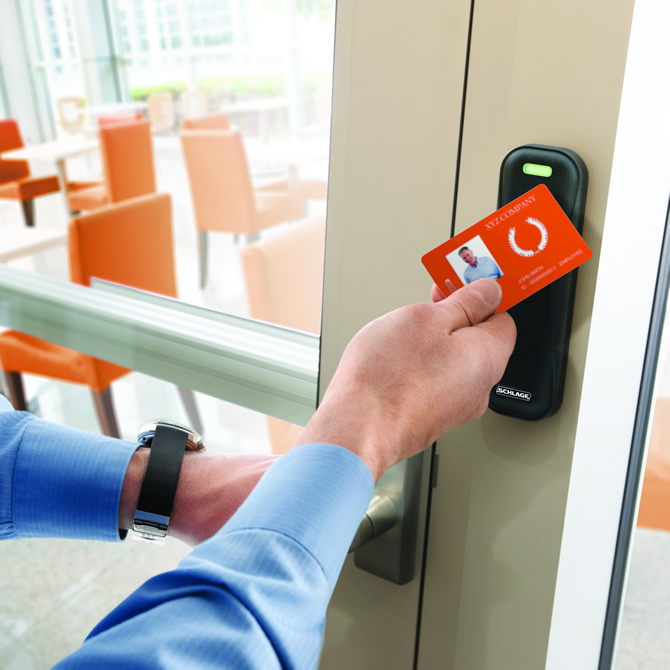
This can take many forms, but typically it involves a sensor that one waves a card, fob, or phone in front of to operate the door. They work on radio frequency identification, or RFID.
Legacy commercial systems often have low-frequency (125 kHz) proximity readers that are perfectly effective; their primary weakness is that bad actors have learned how to clone the credentials.
The current commercial standard are high-frequency (13.56 MHz) card readers. These use one of two RFID technologies depending on the vendor. MIFARE is an open-standards technology that is useful when connecting components from several brands. SEOS is the proprietary RFID technology of HID Global; it’s an enterprise-level technology that is a great choice if you want to stick to the HID hardware ecosystem. Many of these increasingly use Bluetooth or NFC (near-field communication) so a user’s smart phone can become their credentials.
2. The Controller: The Brains of the Operation
This is a control panel that checks a user’s credentials against a schedule, i.e., your database of access permissions, and either opens the lock or doesn’t. A single controller can typically manage many locks. This is an important piece of the system that is usually locked in an IT closet or equipment room. You use your access control software to basically tell the controller what to do.
Anderson Lock’s access control specialists can help match readers, controllers, locking hardware, credentials, and life-safety requirements to your facility.
3. Locking Hardware: The Physical Barrier
These elements install right onto your doors, so they tend to have the most parameters or specifications. For example, it matters if your door is metal or wood or if it’s a security door or an egress door.
Electric strikes These are similar to your traditional mechanical locks in that they involve a retracting latch in the door that engages with the strike on the door frame. In electronic locks, the strike has a movable part called a keeper that can disengage to unlock the door. Electric strikes are convenient choices for retrofitting as they can work with existing hardware.
Magnetic locks (maglocks) Properly speaking, these are electromagnetic locks that use electricity to generate a magnetic attraction that holds a door shut without any mechanical latching. They are popular in high-traffic areas like office buildings and hospital lobbies.
4. The Power Supply: What Keeps Your Locks Working
As with any electronic device, card readers and their associated electronic hardware require power supplies. These need to be independent, whether wired or wireless, and usually have battery backups.
The power supply is important not only for normal operation but for NFPA 101 Life Safety and NFPA 80 Fire Safety compliance. Electronic locks need to be integrated with your emergency management system. Fire-rated doors must release automatically when the fire alarm goes off, and locks in the path of egress must either unlock during a power outage or be capable of being manually operated from the egress side.
Anderson Lock not only has expertise in NFPA 80, NFPA 101, and ADA compliance, we have certified fire door inspectors on staff to answer your questions or conduct inspections.
5. The Credentials: What Gets People In
Depending on the system you adopt, you may use access cards, key fobs, biometric inputs, or mobile devices as user credentials. Some card readers still require a swipe, but newer ones are almost entirely the chip kind that only require the user to hold the card over the sensor. All credentialing requires management, but cards and fobs are physical items that become part of your security system. Biometrics and mobile apps remove the necessity for card and fob management.
REXes, Door Operators, and Other Additional Hardware
ADA-compliant hardware / panic hardware Doors in stairwells, assembly halls, and paths of egress that need to be ADA compliant often have panic bars that unlatch a door with a small amount of pressure. These can also be controlled electronically with readers or sensors.
Request-to-exit (REX) device You’ll usually talk about a REX with magnetic locks. Simply put, the REX allows someone to exit through a door without providing credentials. This is important in emergencies when stopping to find a card or fob can create safety concerns. With maglocks, the REX is usually a button or motion sensor. In many other locks, you don’t notice the REX because it is hidden inside and triggered by normal operation of the door from the egress side.
Door position switch A device, usually magnetic, that signals to the controller when the door meets the strike, indicating it is now closed. These can be useful to trigger an alarm if the door is forced open or if it is left open too long, prevent deadbolts or maglocks from activating while the door is opened, or even to control the lights or HVAC in a room based on whether anyone is in it.
Door operator Literally an arm that opens and shuts a door. These are often used for accessibility, such as the buttons that automatically open a door.
Controller mount/cabinet This can be easy to forget, but you will need to put the controller somewhere secure, and it will likely be mounted on a rack or the wall.
Fail-Safe or Fail-Secure? Understand the Difference
An electronic lock will have a default failure mode in case of power outage or emergency. Fail-safe means the door unlocks. Fail-secure means the door locks.
The door unlocks.
The door locks.
NFPA 101 and 80 explain the cases where you need one or the other. In all cases, electronic locks must be mechanically operable from the egress side, but this is pretty standard for all locks.
Card Reader Hardware Checklist for Facility Managers
- Card reader (proximity or smart card; specify frequency)
- Access control controller/panel
- Electronic locking hardware (electric strike, maglock, or electrified panic device)
- Dedicated power supply with battery backup
- Fire alarm interface (for fail-safe devices)
- Request-to-Exit sensor or integrated exit hardware
- Credentials (cards, fobs, or mobile)
- Door position switch
- Electrified panic hardware (for assembly rooms and paths of egress)
- ADA-compliant door operator (if powered operation is required)
- Cabinet or secure enclosure for controller mounting
- Door material compatibility (hollow metal, wood, aluminum storefront)
- Door frame condition and preparation
- Fire rating of door assembly
- Local building and fire code requirements (especially fail-safe vs. fail-secure)
Get it Right with Professional Help and Installation
There are enough details when it comes to acquiring card readers for your door locks that it’s worth finding a trustworthy professional partner, from purchasing compatible components to proper installation placement to precise calibration and programming.
Anderson Lock has served Chicagoland for over 60 years. We’ve stayed a family-owned company, and we’ve grown with the industry to become experts in smart locks, multi-layered security, and commercial door and door frames. Talking card readers is just another Tuesday for us.
So give us a call and ask us your questions, and we’ll help you find the right card reader solution for your school, hospital, office building, or multi-unit residence.
Build the right system for every opening.
Talk with Anderson Lock about card reader installation, compatible electronic hardware, life-safety requirements, and ongoing support.
Frequently Asked Questions
Yes, card readers have a dedicated power supply with battery backups, so they will continue to work during a power outage.
In many cases, no, you do not need to replace your existing door hardware to add on a card reader system. Depending on the type and condition of your door and frame, you may need some remediation and retrofitting, but an expert locksmith company should be able to handle that.
Proximity cards operate on a low-frequency (125 kHz) and are not encrypted. Smart cards operate at a high-frequency (13.56 MHz) and use encryption. Both are radio frequency identification (RFID) technologies, but smart cards are more secure, which is why they are becoming the industry standard.
No, Many controllers, or access control panels, can support multiple doors. For larger facilities, multiple controllers can be networked together and managed from a central software.